C++20 CORE
WINDOWS 10 / 11 (64-BIT) ONLY
teVirtualMIDI KERNEL
< 1.2MS JITTER-FREE
... Total Downloads
Hardware-Grade Touch MIDI Control for Professional DAWs.
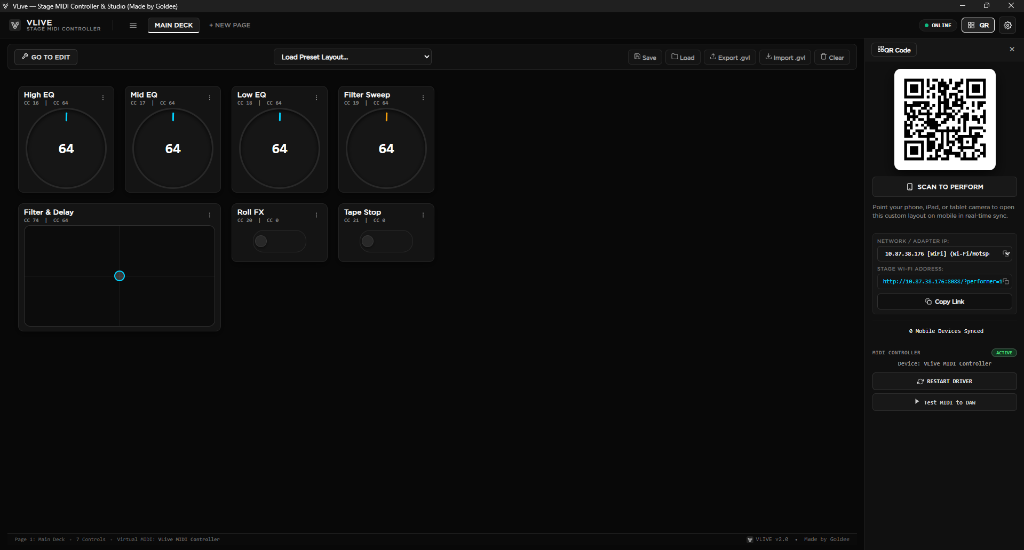
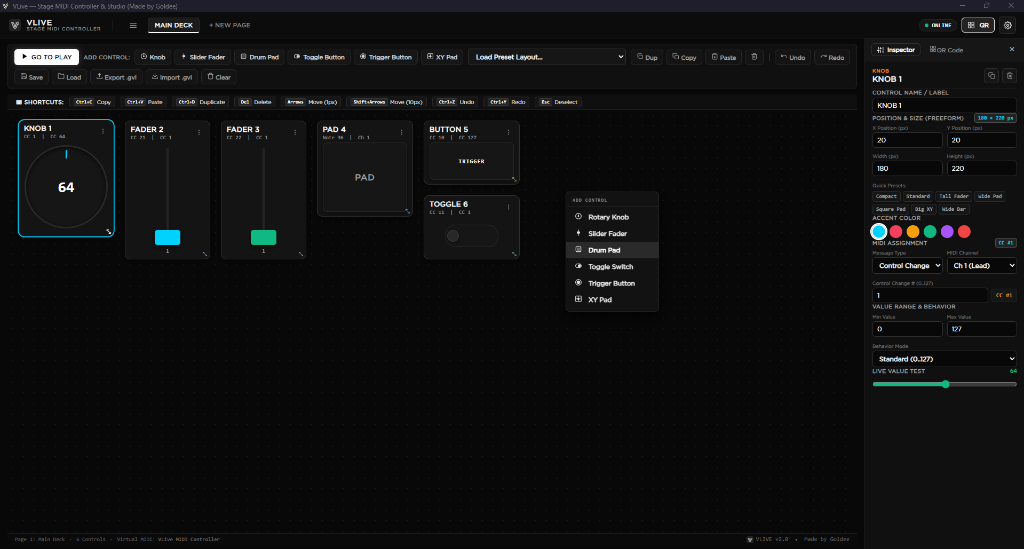
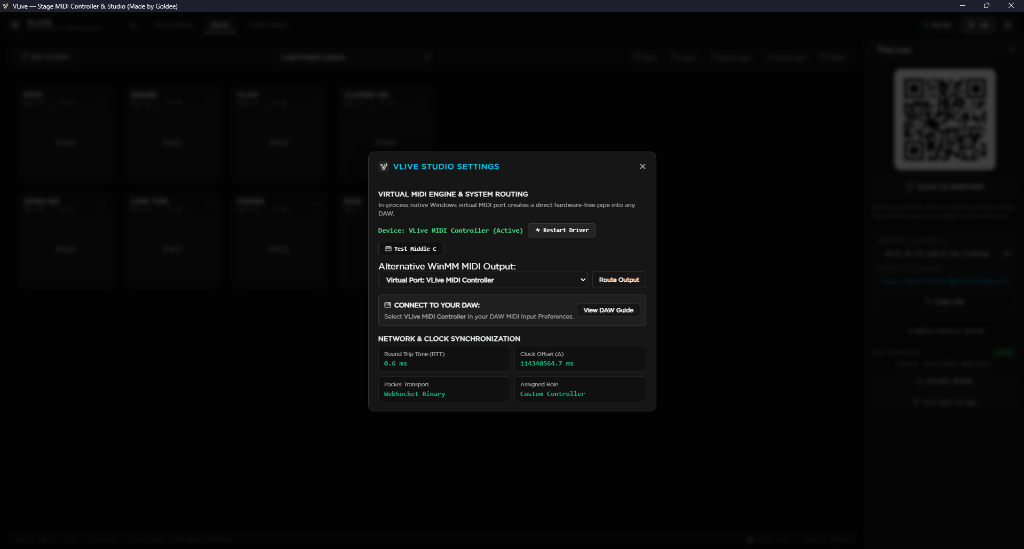
VLive is an ultra-low-latency MIDI controller ecosystem that turns any smartphone, tablet, or web browser into a customizable, hardware-grade touch control surface for professional DAWs such as Ableton Live, FL Studio, and REAPER. Architected around a high-performance C++20 core statically compiled for Windows with zero external runtime dependencies, its backend integrates an embedded asynchronous HTTP/WebSocket server with a lock-free MIDI ring buffer and kernel-level virtual MIDI driver (teVirtualMIDI/winmm), exposing a zero-configuration virtual MIDI device directly to the operating system. Built for studio production and live performance, the client tier consists of an offline-ready Progressive Web App (PWA) rendered via embedded WebView2 on desktop or modern mobile browsers, leveraging sub-millisecond NTP-style clock synchronization, Wi-Fi subnet radar auto-discovery, and optimized binary event dispatch to achieve instantaneous, jitter-free wireless performance control.
Platform Exclusivity: VLive host is currently available exclusively for Windows 10 & 11 (64-bit). macOS and Linux desktop ports are in active development. Mobile devices (iOS & Android) pair as touch surfaces through web browsers.
Windows 10/11 x64 Only
•
Zero Dependencies
•
iOS • iPadOS • Android Touch Surface
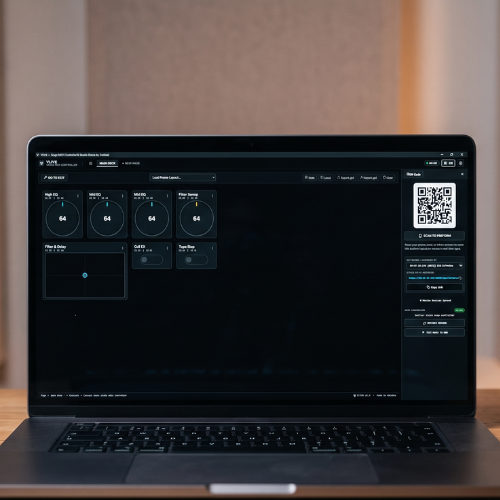
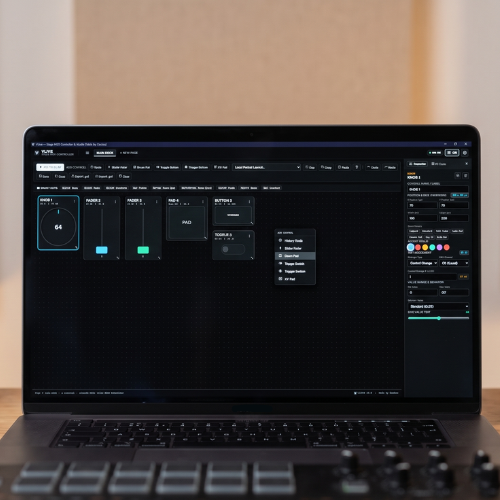
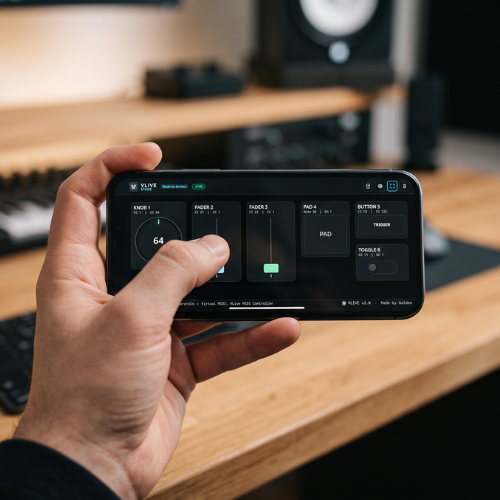
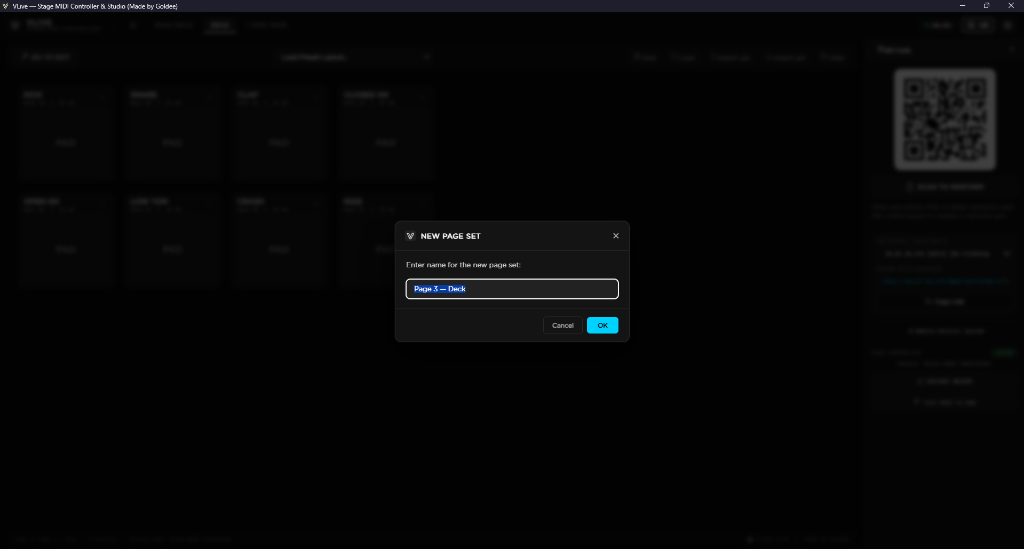
VLive Production Ecosystem
Click to Zoom
1 / 4 • AUTO-CHANGING